Applied for your Emirates visa and not sure what your current status means? Or checking before a flight and the portal is showing something unexpected? You are in the right place in this guide you will know how to check Emirates Visa Status.
Staying updated on your Emirates visa status is essential to avoid fines, overstays, or last-minute travel disruptions. Whether you are a tourist waiting for approval, a resident checking renewal status, or an employer tracking a sponsored visa, this guide covers every method available — including what each status message actually means and exactly what to do if something looks wrong.
What Is a Emirates Visa Status Check?
A Emirates visa status check lets you verify:
- Whether your visa is valid, expired, or cancelled
- Your visa type and expiry date
- Sponsorship and entry permit details
- The current stage of your application — processing, approved, or ready
This check is useful for tourists, residents, employers, and sponsors across the UAE.
Why Checking Your Emirates Visa Status Matters
Regular visa status checks help you:
- Avoid overstay fines (currently AED 50 per day)
- Confirm visa approval or renewal status
- Plan flights and hotel bookings with confidence
- Catch errors or rejections early
- Stay legally compliant during your stay in the UAE
If you need help at any stage, Emirates Visa can verify your visa status within minutes and resolve any issue directly.
Method 1: How to Check Emirates Visa Status on GDRFA Portal
The GDRFA Dubai portal is the official channel for any visa issued by Dubai immigration. Use this method if your visa was applied for in Dubai or sponsored by a Dubai-based individual or company.
What you need: Passport number, passport expiry date, nationality — via the GDRFA mobile app. On the GDRFA website, you need your Application Number, Transaction Number, and Payment Date.
Fees for Indian applicants are listed on the Emirates visa fees page.
Step-by-step:
- Open the GDRFA portal. Go to smart.gdrfad.gov.ae. The site loads in Arabic by default — click English in the top-right corner if needed.
- Find the visa status service. Navigate to Public Services → Visa Status (or File Validity).
- Choose your search method. On the website: enter Application Number + Transaction Number + Payment Date for the most precise result. For passport-number-only search: download the GDRFA Dubai mobile app (available on iOS and Android) — passport number search is available in the app, not on the website.
- Enter your details. Fill in your details exactly as they appear on your documents.
- Complete the captcha. Tick the 'I am not a robot' box. Many users miss this step and assume the form is broken.
- Submit and read the result. Your visa details appear below the form — visa type, validity period, expiry date, and current status.
Best for: Visas issued in Dubai (employment, family, investor, visit, tourist). If your status does not appear or you see an error, contact Emirates Visa — we can verify directly through our official channels.
Method 2: How to Check Emirates Visa Status on ICP Smart Services
ICP Smart Services covers visas issued anywhere in the UAE except Dubai — Abu Dhabi, Sharjah, Ajman, Umm Al Quwain, Ras Al Khaimah, and Fujairah. It also covers federal visas across all emirates.
What you need: Passport number, passport expiry date, nationality.
Step-by-step:
- Visit the ICP file validity page. Go to smartservices.icp.gov.ae/echannels/web/client/default.html#/fileValidity.
- Switch to English if the page loads in Arabic.
- Choose 'Search by' and select Passport Information.
- Select 'Visa' under the type field. (Choose Residency if you are checking a residence visa.)
- Enter your passport details — passport number, passport expiry, nationality.
- Tick the captcha and click Search.
- Read your visa status — the portal displays your visa details and validity period.
In 2026, ICP introduced a new dashboard that lets sponsors track multiple dependants in a single view, which is useful for family applications.
Best for: Visas issued in any emirate other than Dubai.
Method 3: How to Check Emirates Visa Status on the DubaiNow App
The DubaiNow app is the official Dubai government app and includes visa status tracking. It is faster than the website on mobile and supports push notifications when your visa status changes.
Step-by-step:
- Download the official app. Search 'DubaiNow' on the Apple App Store or Google Play Store and install the version published by the Government of Dubai. Avoid unofficial copies.
- Open the app and log in. Sign in with UAE PASS or create a basic account using your phone number.
- Find the GDRFA service tile. Tap Visa & Residency → Check Visa Status.
- Enter your passport details as you would on the website.
- View your status. The app saves your details for future checks and sends push notifications when your status updates — useful while waiting for approval.
Best for: Repeat status checks. After the first login, future checks take a single tap.
Method 4: How to Check Emirates Visa Status via UAE PASS
UAE PASS is the federal digital identity used across all UAE government services. Many guides skip this method, but it is often the fastest for UAE residents.
Step-by-step:
- Install UAE PASS. Download the UAE PASS app and verify your identity using your Emirates ID or passport.
- Log in to ICP or GDRFA using UAE PASS. Both portals accept UAE PASS as a single sign-on option.
- Access your visa dashboard. All visas linked to your identity appear automatically — your own, family members you sponsor, and dependants — without entering passport details.
- Tap any visa for details. The dashboard shows status, expiry, fines, and renewal dates in one place.
Best for: UAE residents managing multiple visas (family, employees, dependants).
Method 5: Track Your Emirates Visa Application (Fastest for Emirates Visa Applicants)
If you applied for your Dubai visa through Emirates Visa, this is the fastest and simplest method. We send you an Application ID by email when your application is submitted, and you can track its status anytime on our Emirates Visa Status page.
What you need: Your Application ID (sent in your acknowledgement email).
Step-by-step:
- Visit Emirates Visa Status — the tool is a live tracker that shows your current status instantly using your Application ID.
- Enter your Application ID in the tracking box.
- Click Track.
- Your visa status appears instantly — Processing, Approved, or Ready for Collection.
Why this method is fastest: No need to switch between government portals, no captcha to solve, and our team monitors every application — so if anything is delayed, we already know about it. For applications submitted through our Express Visa Service, processing typically completes within 4 to 8 working hours.
Best for: Anyone who applied for their Dubai visa through Emirates Visa. If you applied directly through a government portal or another service, use one of the four methods above.
How to Check Emirates Visa Status by Passport Number Only
The most common search we see is from travellers who do not have their application number or file number — only their passport. Here is exactly what works:
For Dubai-issued visas (GDRFA): Passport number search is NOT available on the GDRFA website. You must download the GDRFA Dubai mobile app (free on iOS and Android). Inside the app, you can search using your passport number, passport expiry date, and nationality — no file number needed.
For all other emirates (ICP Smart Services): Passport number search IS available directly on the ICP website at smartservices.icp.gov.ae. Select "Passport Information" under Search By, enter your passport number, passport expiry date, and nationality, then complete the captcha.
What you need alongside your passport number:
- Passport expiry date (in DD/MM/YYYY format — using MM/DD/YYYY will return no result)
- Your nationality as it appears on your passport
- For GDRFA: the mobile app (not the website)
If your passport number search returns "No Record Found" on both portals, wait 24 hours after application submission before searching again — the system updates with a delay, not in real time.
What Information You Will See
When you check your Emirates visa status using any of the five methods above, you will see:
- Visa type (visit, tourist, employment, family, investor)
- Visa issue date and expiry date
- Sponsorship and file information
- Entry permit validity
- Current condition (active, expired, cancelled, under process)
- Any associated fines or penalties
What Each Visa Status Means
| Status | What It Means | What to Do |
|---|
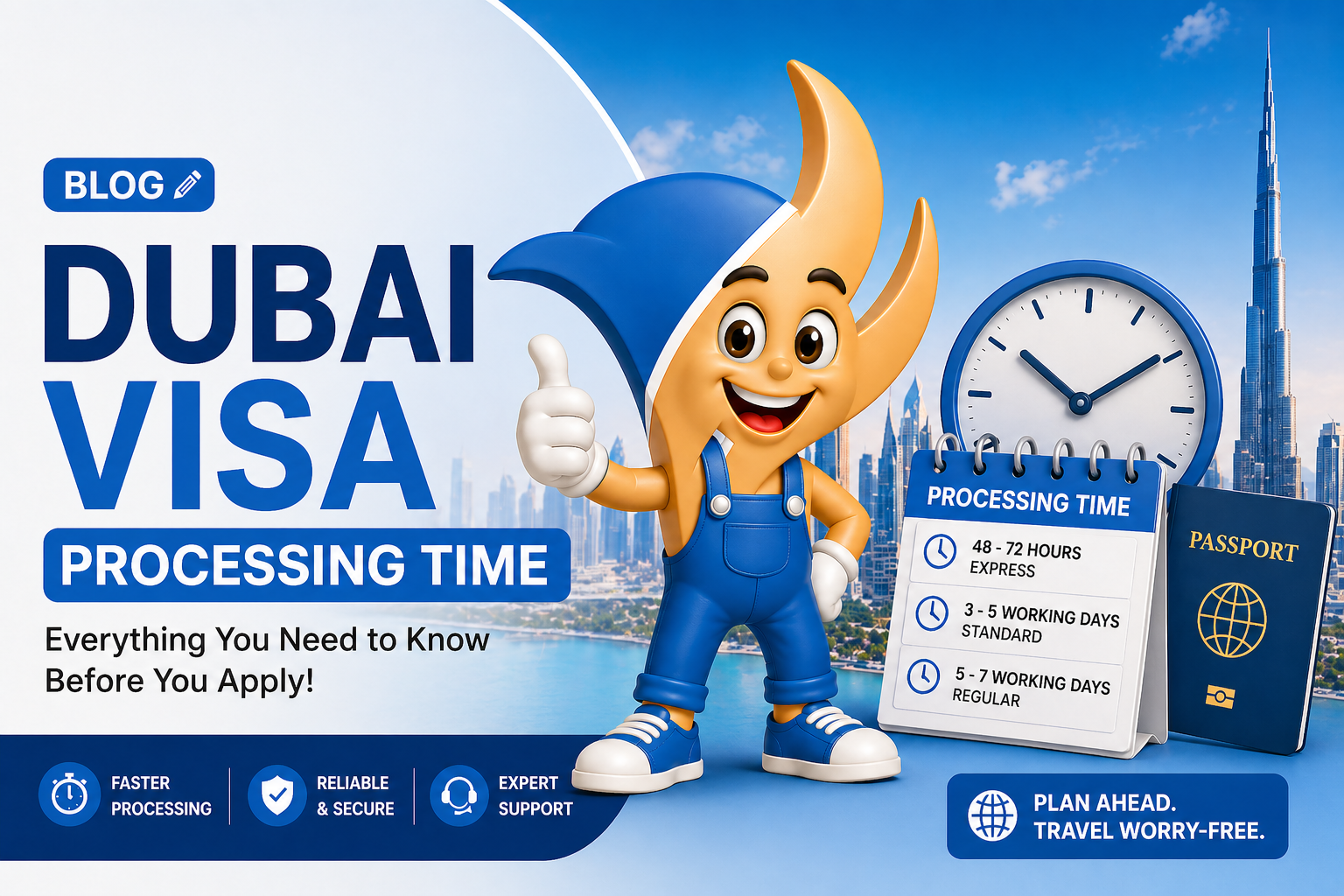
| Received | Your application has reached UAE immigration. | Wait. Standard processing is 24–72 working hours. |
| Under Process | Immigration is actively reviewing. | Wait — this is normal. |
| Approved / Issued | Your visa has been granted. | Download from email. Print and carry during travel. |
| Rejected | Application denied. Reason sent by email. | Review reason, correct issues, and reapply. Contact Emirates Visa for help. |
| No Record Found | System cannot match your details. | Wait 24 hours, check details, or try another portal. |
| Cancelled | The visa was cancelled. | Contact sponsor or visa service for clarification. |
Troubleshooting Common Errors
1. 'No Record Found' right after applying.
The portal updates with a 24-hour delay after submission. Wait a full day before assuming there is a problem. This is the most common cause of confusion for first-time applicants.
2. Passport number not recognised.
Enter the passport number exactly as printed on your passport — including all letters and any leading zeros. No spaces, no dashes, no alterations. A single character difference returns no result.
3. Wrong portal for your visa type.
GDRFA covers Dubai-issued visas only. ICP covers all other emirates and federal visas. If GDRFA returns "No Record Found" and you are certain your visa was Dubai-issued, try ICP Smart Services — some Dubai-issued visas are routed federally and appear only in the ICP system.
4. Date format mismatch.
Both GDRFA and ICP use DD/MM/YYYY format. Entering your passport expiry as MM/DD/YYYY will return no result every time. This is the second most common technical error we see.
5. Portal is slow or timing out.
GDRFA and ICP experience heavy traffic during UAE business hours (9am–5pm Gulf Standard Time, Sunday to Thursday). Try early morning UAE time (before 8am GST), or switch to the DubaiNow app which handles traffic better than the web portals.
6. Status shows 'Approved' but no visa PDF received.
Check your spam and promotions folder first. If no email after 2 hours of approval showing, log in directly to the portal where you applied (ICP or GDRFA) and download the visa PDF from your application history. For Emirates Visa applicants, log in to your account at emiratesvisa.in to download directly.
What to Do If Your Emirates Visa Is Expired
If your visa status shows as expired, act the same day. Daily fines accumulate from the first day after expiry at AED 50 per day — there is no grace period and no warning is issued by UAE immigration.
Your four options:
1. Visa Renewal (exit and re-entry): Leave the UAE and re-enter on a new visa. This resets your permitted stay from the new entry date. Emirates Visa can process your new visa while you are still in the UAE so it is ready before you exit.
2. Status Change: Convert your current visa to a different category if eligible — for example, converting a tourist visa to a residence visa if you have a job offer or property. This requires a UAE-based sponsor and must be processed through the relevant authority.
3. Exit Before Fines Accumulate Further: If you have already overstayed, calculate your total fine (AED 50 × number of days overstayed) and pay at the airport immigration counter before departure. Unpaid fines block your exit and are flagged permanently in the UAE immigration system against your passport.
Need Help With Your Emirates Visa?
Whether you are applying, tracking, renewing, or troubleshooting — Emirates Visa makes the Dubai visa process simple.
Conclusion
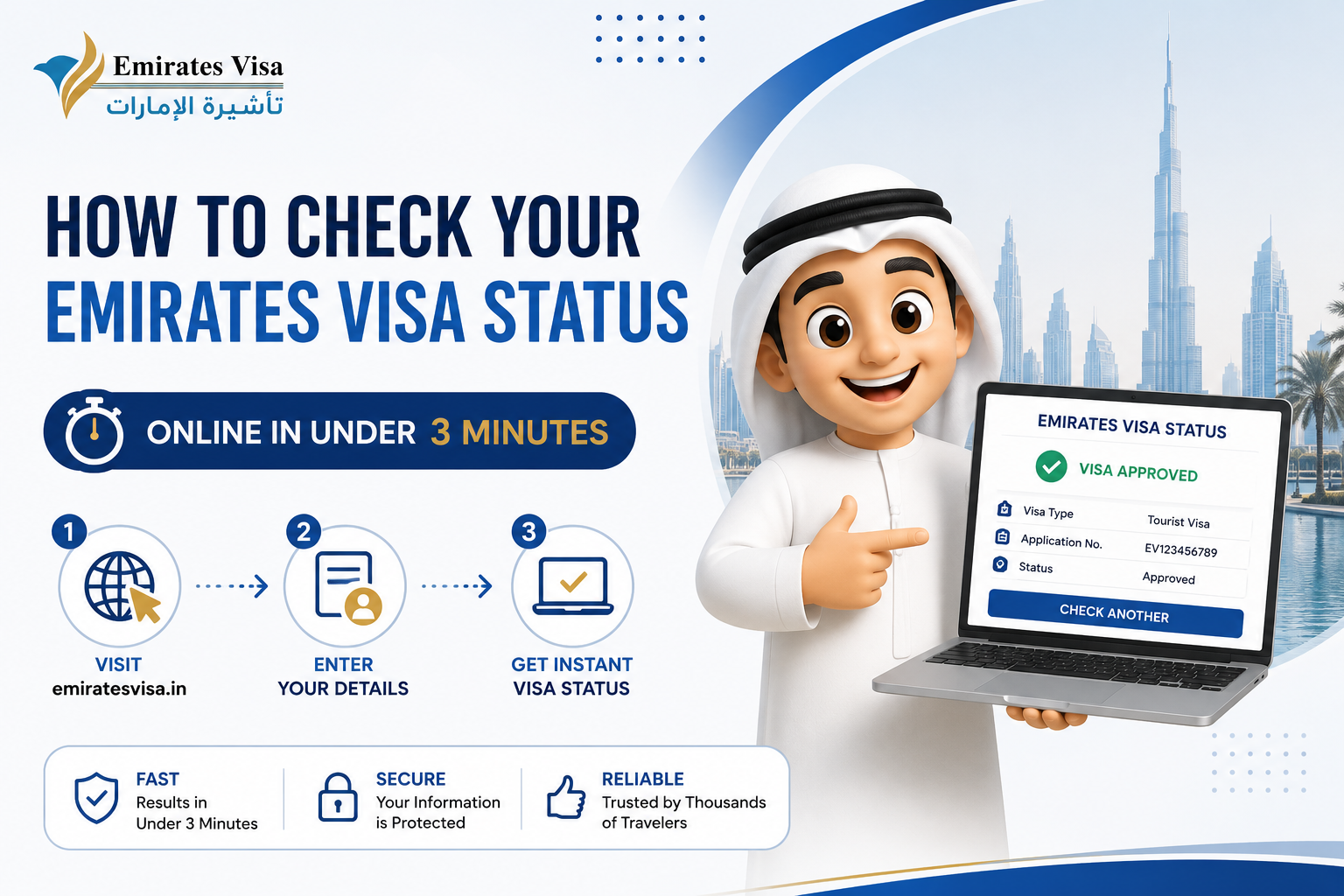
Checking your Emirates visa status online is quick, free, and entirely in your control. Whether you applied through Emirates Visa, GDRFA, or ICP, the right method takes less than three minutes and tells you exactly where your application stands. Set a reminder to check periodically — especially close to your visa expiry — and you will avoid every common visa-related travel issue. If something does not look right, expert help is always one message away.
Disclaimer: Emirates Visa is an authorised visa service provider. Information in this guide is for general purposes. UAE immigration rules and portal interfaces can change — for official confirmation, always verify directly with GDRFA, ICP, or contact the Emirates Visa team. Emirates Visa is not affiliated with any UAE government authority. For official confirmation, contact GDRFA on 800 5111 or ICP on 600 522 222.

 TOURIST VISA